


Used Laptops: What Buyers Should Know Before Purchasing
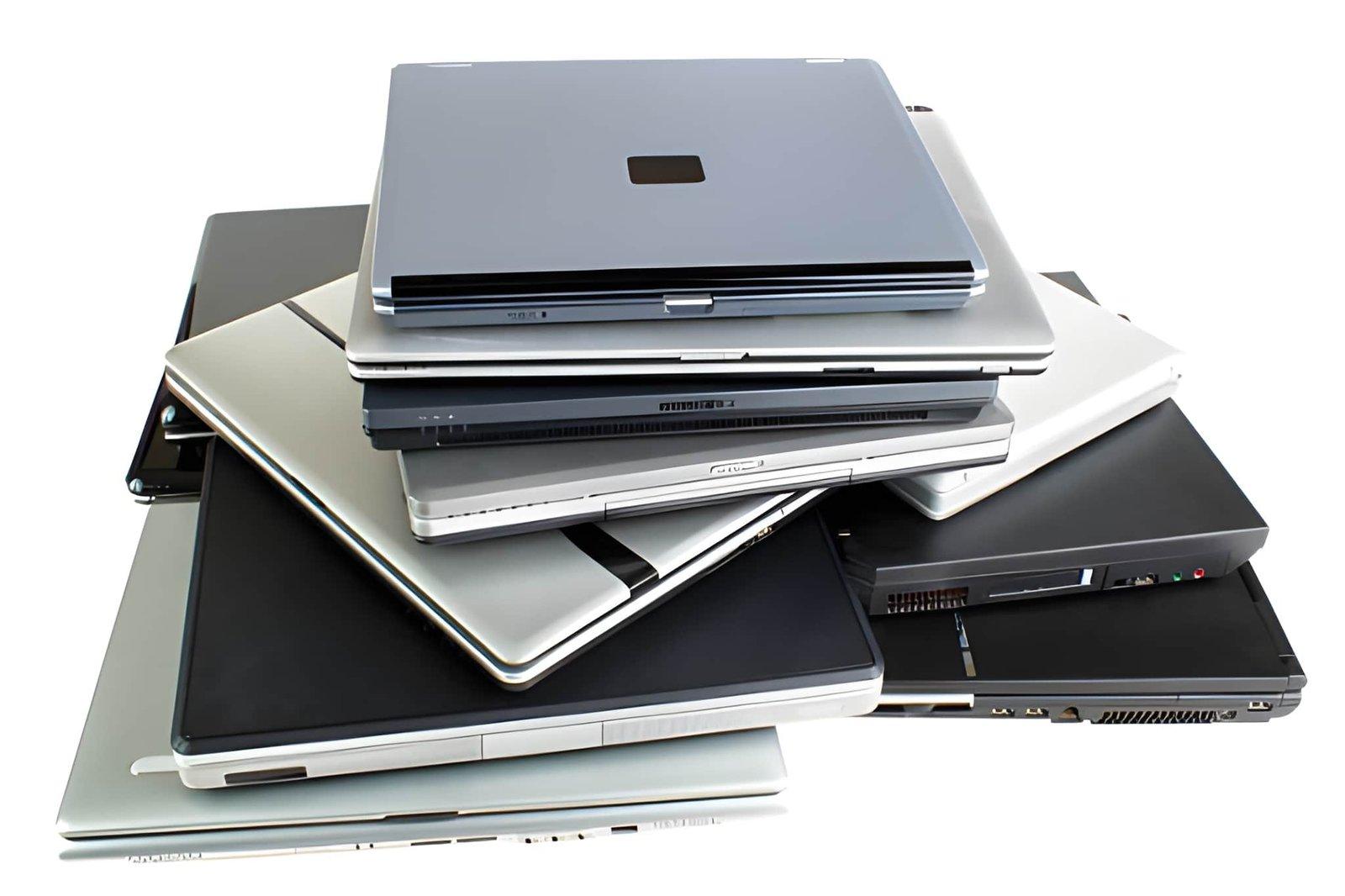
Buying a used laptop can be a practical way to save money while getting a device for work, education, business, or personal use. Many people consider second-hand laptops because they offer access to useful technology at a lower initial cost than purchasing a brand-new model. However, not every used laptop in Dubai provides the same level of performance, reliability, or value.
Before making a purchase, buyers should understand the device's specifications, physical condition, battery health, and software compatibility. Researching these factors can help you choose a laptop that meets your needs without creating unexpected expenses.
1. Understand Your Requirements
The first step when buying a used laptop is to identify how you intend to use it. Your daily activities will determine which features and specifications matter most.
For browsing, email, document editing, and online classes, a laptop with 8GB RAM, SSD storage, and a suitable processor may be sufficient.
Professionals who work with several applications simultaneously may benefit from 16GB RAM or more. Graphic designers, video editors, engineers, and developers should check the hardware requirements of their preferred software before choosing a device.
Portability is another consideration. If you regularly travel or commute, a lightweight laptop with good battery life may be more convenient than a larger model.
Understanding your requirements will help you avoid paying for unnecessary features or choosing a laptop that cannot handle your workload.
2. Check the Laptop's Specifications
Specifications play an important role in determining a laptop's speed, responsiveness, and overall usability. Before purchasing a used device, check the processor, RAM, storage, display, and operating system.
Processor: Check the exact model and generation rather than relying only on labels such as Core i5 or Core i7. Processor age and performance can vary significantly.
RAM: At least 8GB RAM can suit many everyday tasks, while 16GB may be preferable for multitasking and demanding applications.
Storage: An SSD generally offers faster startup times and application loading than a traditional hard drive. Choose enough capacity for your files and programs.
Display: Check the screen resolution, brightness, and overall condition. Look for dead pixels, flickering, or visible damage.
Operating system: Confirm that the laptop supports a currently maintained operating system and can receive security updates.
Comparing these specifications will help you determine whether the asking price reflects the laptop's capabilities.
3. Inspect the Physical Condition
A laptop may look attractive in photographs but still have underlying hardware problems. Whenever possible, inspect the actual device before completing the purchase.
Examine the screen, keyboard, touchpad, hinges, casing, and charging port. Look for cracks, loose components, damaged keys, and signs of liquid exposure.
Test the USB ports, headphone jack, webcam, microphone, speakers, Wi-Fi, and Bluetooth. Open several applications to check whether the laptop responds normally.
Pay attention to unusual fan noise, excessive heat, or unexpected shutdowns. These issues may indicate cooling problems or other hardware faults.
Minor scratches may be acceptable if the laptop works properly, but significant damage should be investigated before you agree to buy it.
4. Evaluate Battery Health
Battery condition is one of the most important factors to consider when purchasing a used laptop. Over time, rechargeable batteries lose capacity, meaning a laptop may not last as long between charges as it did when new.
Ask the seller about battery health and whether the battery has been replaced. If possible, test the laptop without its charger to see how quickly the charge decreases during normal use.
For Windows laptops, you can generate a battery report using Command Prompt and the command powercfg /batteryreport. This report provides information about the original design capacity and current full-charge capacity.
A laptop with a weak battery may still be suitable for desk-based use, but replacement costs should be considered before purchasing.
5. Research the Seller and Warranty
Choosing a reliable seller can reduce the risks associated with buying second-hand electronics. Look for sellers who provide accurate specifications, clear photographs, and honest descriptions of the laptop's condition.
Read customer reviews where available and ask whether the device has been tested for common hardware problems. If the seller claims that the laptop has been refurbished, ask what the process included.
Check the warranty and return policy carefully. Confirm the warranty duration, covered components, repair process, and any exclusions.
Request a receipt that records the laptop model, purchase price, and agreed warranty terms. Clear documentation can help if you need after-sales support.
6. Compare Prices Before Making a Decision
Avoid purchasing the first laptop that appears affordable. Compare several models with similar processors, memory, storage, and physical condition.
Consider the total cost rather than the advertised price alone. You may need to pay for a replacement battery, additional storage, accessories, or repairs.
An older premium laptop is not automatically better than a newer mid-range model. Software compatibility, processor performance, battery condition, and remaining useful life all influence its value.
Choose a device that offers the right balance of affordability, reliability, and performance.
7. Check Security and Ownership
Before purchasing, make sure the laptop can be used without restrictions from its previous owner or organisation.
For Windows devices, confirm that there are no unknown administrator restrictions, organisational management locks, or firmware passwords. For MacBooks, verify that Activation Lock has been removed and the device can be set up with your own account.
Check that the operating system is properly licensed and that you can install security updates. After purchasing, perform a clean installation from an official source where appropriate, and update the system before storing personal or business information.
These precautions help protect your data and reduce the risk of inheriting problems from the previous owner.
Conclusion
Buying a used laptop can be an excellent way to manage your technology budget, provided you understand what to check before purchasing. Start by identifying your requirements, comparing specifications, and inspecting the device's physical condition.
Pay particular attention to battery health, software support, security restrictions, seller reliability, and warranty coverage. Comparing the total cost of ownership can also help you avoid spending more than expected after the purchase.
Ultimately, the right used laptop is one that suits your needs, performs reliably, and provides good long-term value rather than simply having the lowest price.