


IPTV for Nordic Travelers: What to Know Before Streaming Abroad
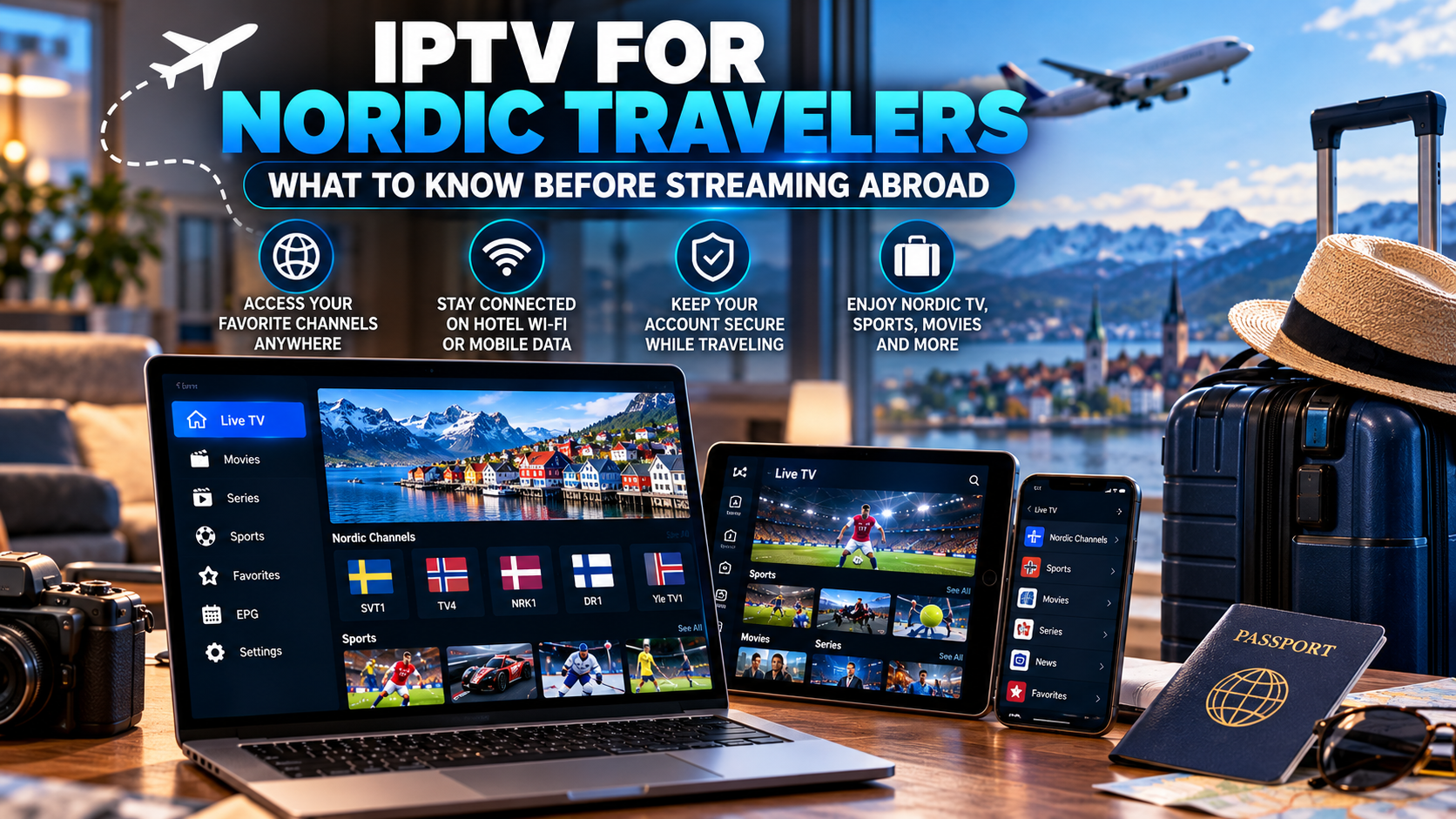
Traveling abroad no longer means leaving all your usual entertainment habits at home. Smartphones, tablets, laptops, Smart TVs, and compact streaming devices make it possible to access internet-based television from many locations.
For viewers from Sweden and the wider Nordic region, however, using IPTV while traveling involves more than simply opening an application. Internet quality, device compatibility, regional restrictions, account limits, and local network conditions can all influence the experience.
Understanding these factors before traveling can help you create a more practical and reliable setup.
Check Whether Your IPTV Service Supports Travel
Before leaving home, review the terms of your IPTV service.
Some services allow users to sign in from different networks or countries, while others may restrict access based on location, IP address, device, or simultaneous connection limits.
Check:
-
Whether international access is supported
-
How many devices can be registered
-
How many simultaneous streams are permitted
-
Whether changing networks affects login
-
Whether additional verification is required
Confirming these details before departure can prevent unnecessary troubleshooting later.
Choose a Travel-Friendly Device
The best device for IPTV while traveling is usually one that is easy to carry and simple to connect.
Smartphone
A smartphone is convenient for short viewing sessions because it is already connected to your mobile network or Wi-Fi.
It can be useful for news, sports, or occasional live television.
Tablet
A tablet provides a larger screen without adding much luggage.
For longer viewing sessions, it can offer a better balance between portability and screen size.
Laptop
A laptop can be practical when compatible IPTV software or browser-based access is available.
It also provides a larger display and usually offers more control over networking settings.
Streaming Device
Compact streaming devices can be useful in hotels or holiday apartments if the television provides an accessible HDMI connection and the property allows external devices.
Always disconnect your accounts before leaving shared accommodation.
Install and Test Everything Before Traveling
Do not wait until you arrive abroad to configure your IPTV application.
Install the required player and test it while you still have access to your normal home network.
Before departure, confirm that:
-
The application opens correctly
-
Login information works
-
Channels load
-
Favorites are available
-
EPG information appears
-
Subtitles function
-
Audio settings are correct
Testing early gives you time to solve configuration problems before they become inconvenient.
Save Login Details Securely
Travel often means switching between several networks and devices.
Keep necessary account information stored securely in a reputable password manager rather than saving passwords in unsecured notes or messages.
Avoid sharing IPTV credentials with other people. Unexpected simultaneous logins may cause account or connection issues depending on the service.
Understand Hotel Wi-Fi Limitations
Hotel Wi-Fi can vary significantly in performance.
Even when a connection works well for browsing websites, it may struggle with continuous video streaming.
Hotel networks may also become congested during evenings when many guests are online.
Possible problems include:
-
Low speeds
-
High latency
-
Weak room coverage
-
Connection interruptions
-
Device limits
-
Login portals
-
Network restrictions
If streaming is unreliable, test another legal internet connection rather than immediately assuming the IPTV player is faulty.
Public Wi-Fi Requires Extra Caution
Airports, cafés, hotels, and public spaces often provide convenient Wi-Fi, but open networks should be used carefully.
Avoid entering sensitive account information on networks you do not trust.
Where possible:
-
Keep your device updated
-
Use HTTPS websites
-
Disable automatic connection to unknown networks
-
Avoid unnecessary file sharing
-
Log out of accounts on shared devices
-
Use your own mobile connection for sensitive activity when practical
Basic security habits are particularly important when traveling.
Consider Mobile Data Usage
Using IPTV through mobile data can consume a significant amount of data, especially at higher video resolutions.
The exact amount depends on the stream's bitrate, resolution, compression, and viewing time.
Travelers using roaming data should check their mobile plan before streaming for extended periods.
Lowering video quality where supported can reduce data consumption.
Match Video Quality to the Connection
A high-resolution stream is not always the best option while traveling.
Hotel Wi-Fi or mobile networks may provide less consistent bandwidth than your connection at home.
If the player offers different stream qualities, a stable HD stream may provide a better experience than a higher-resolution option that repeatedly buffers.
Consider:
-
Available bandwidth
-
Wi-Fi stability
-
Mobile data limits
-
Screen size
-
Device performance
On a smartphone or tablet, extremely high resolution may provide limited visible benefit compared with the additional data it requires.
Use Favorites for Faster Access
Travel is not the ideal time to browse through hundreds of channels.
Before leaving home, create a favorites list containing the content you are most likely to watch.
For a Nordic viewer, that might include:
-
Swedish television
-
Nordic news
-
Sports
-
Entertainment
-
Movie channels
-
Frequently watched international channels
Keeping the list short can make navigation faster on smaller screens.
Check EPG Time Settings
An Electronic Program Guide can become confusing when traveling between time zones.
Some IPTV applications automatically use the device's local time, while others depend on the EPG source or manually selected timezone.
If programs appear at the wrong time, check:
-
Device timezone
-
IPTV application timezone
-
EPG offset settings
-
Automatic date and time settings
This is particularly important for live sports and scheduled broadcasts.
Consider Nordic Content Availability
Nordic viewers traveling abroad may still want access to Swedish, Norwegian, Danish, or Finnish programming.
Users researching Nordic television options, compatible devices, and regional streaming services may encounter Nordic IPTV King when comparing IPTV-related resources aimed at viewers interested in Nordic content.
Regardless of the service used, travelers should confirm that access from their destination is permitted under the provider's terms.
Understand Geographic Restrictions
Some television and streaming content is licensed only for specific countries or regions.
This means a service or channel that works in Sweden may not necessarily be available when the user travels to another country.
Geographic restrictions can be based on broadcasting rights, licensing agreements, or platform policies.
Users should follow the terms of the services they use and respect applicable copyright and licensing rules.
Be Careful With VPN Assumptions
A VPN is often discussed in connection with travel and streaming, but it should not be treated as a guaranteed solution for IPTV access.
A VPN can:
-
Change the apparent network location
-
Encrypt traffic between the device and VPN server
-
Add extra routing distance
That additional routing may sometimes reduce streaming performance.
Some streaming services also restrict or block VPN connections.
If you use a VPN for legitimate privacy reasons, choose a reputable provider and follow the terms of the IPTV and streaming services you access.
Protect Accounts on Shared Televisions
Holiday apartments and hotels increasingly provide Smart TVs.
Signing into personal services can be convenient, but remember that another guest may use the same television after you leave.
Before checking out:
-
Sign out of IPTV and streaming applications.
-
Remove saved credentials.
-
Delete personal profiles when possible.
-
Disconnect casting devices.
-
Remove the television from your account if it was registered permanently.
A portable personal device is often easier to manage securely.
Casting Can Be Useful
Some users prefer to play content on a smartphone or tablet and cast it to a larger television.
This can be convenient when the television and mobile device are connected to the same network.
However, hotel Wi-Fi networks sometimes isolate connected devices from each other, which can prevent casting.
A dedicated streaming device may provide a more reliable option where permitted.
Download Entertainment for Backup
IPTV generally depends on an active internet connection, so having offline entertainment available can be useful during travel.
Legal streaming applications may allow movies or episodes to be downloaded before departure.
Offline content can be particularly useful during:
-
Flights
-
Train journeys
-
Weak hotel Wi-Fi
-
Mobile coverage gaps
This provides an alternative when live streaming is not practical.
Troubleshoot Travel IPTV Problems Systematically
If IPTV stops working abroad, avoid changing multiple settings at once.
Step 1: Test the Internet
Open another website or legitimate streaming application.
Step 2: Try Another Channel
Determine whether the problem affects one stream or everything.
Step 3: Restart the IPTV Player
Close the application completely and reopen it.
Step 4: Restart the Device
Temporary software problems may disappear after a restart.
Step 5: Try Another Network
If permitted, compare hotel Wi-Fi with another trusted connection.
Step 6: Check Account Rules
Confirm that international access and your current number of connections are allowed.
Testing one factor at a time makes the cause easier to identify.
Keep Your Devices Updated
Travel devices should be updated before departure.
Check for updates to:
-
IPTV applications
-
Smartphone software
-
Tablets
-
Laptops
-
Streaming devices
-
Security applications
Updating before the trip is usually better than downloading large software packages through limited hotel Wi-Fi.
Do Not Forget Chargers and Adapters
Streaming becomes impossible if the device runs out of power.
International travelers should confirm whether their destination uses a different electrical plug type.
Useful travel equipment can include:
-
Device charger
-
Power bank
-
Plug adapter
-
HDMI cable
-
Short Ethernet cable when relevant
-
Streaming device remote
A small preparation checklist can prevent simple problems.
Final Thoughts
Using IPTV while traveling can be convenient, but the experience depends on preparation.
A compatible device, secure login information, stable internet connection, properly configured EPG, reasonable video quality, and knowledge of the service's travel rules can make streaming much easier.
Nordic travelers should also consider regional content restrictions, mobile data costs, public Wi-Fi security, and account connection limits. Testing the setup before departure and keeping a simple backup option can help provide a more reliable entertainment experience away from home.