


How to Improve IPTV Streaming Performance at Home
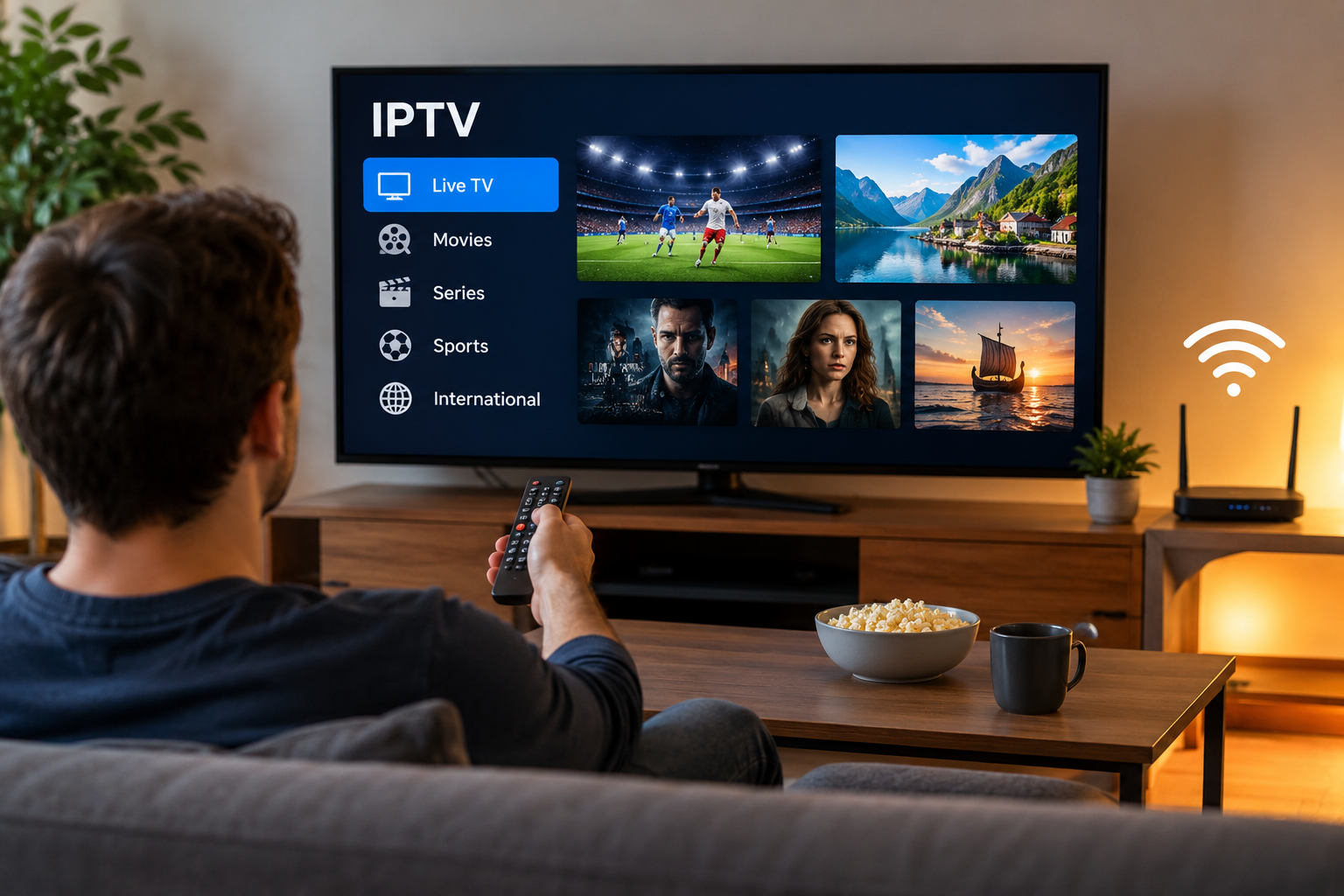
IPTV has become a practical way to watch live television, movies, sports, and series through an internet connection. While the service itself is important, the quality of the viewing experience also depends heavily on the home network, streaming device, and application settings.
A few simple adjustments can often make IPTV playback smoother and reduce common issues such as buffering, freezing, or slow channel loading.
Start With a Reliable Internet Connection
A stable internet connection is the foundation of IPTV streaming.
High download speed can help, but stability is just as important. A connection that frequently drops or changes speed may cause interruptions even when the advertised broadband speed is high.
Users should test their connection on the same device or network where IPTV is being used. This provides a more realistic picture of available performance.
Use Ethernet When Possible
Wi-Fi is convenient, but a wired Ethernet connection can provide more consistent performance.
Ethernet is especially useful when:
-
The router is close to the television
-
Several devices use Wi-Fi at the same time
-
The home has thick walls
-
Wireless signals are weak or unstable
-
High-resolution streams are frequently used
A wired connection can reduce interference and provide a more predictable connection between the router and streaming device.
Improve Your Wi-Fi Setup
Ethernet is not always practical, particularly in larger homes.
When IPTV is used over Wi-Fi, router placement can make a significant difference. The router should ideally be positioned in an open area rather than inside a cabinet or behind large furniture.
Users can also improve Wi-Fi performance by moving the streaming device closer to the router or reducing the number of obstacles between them.
Modern routers may support both 2.4 GHz and 5 GHz wireless bands. The 5 GHz band can provide higher speeds over shorter distances, while 2.4 GHz often provides better coverage through walls.
Choose a Suitable Streaming Device
Streaming performance depends partly on the hardware being used.
Modern Smart TVs can often run IPTV applications directly, while Android TV devices, streaming boxes, smartphones, tablets, and computers provide additional options.
Older hardware may struggle with demanding applications or high-resolution streams. If an IPTV app regularly becomes slow or unresponsive, checking the device's storage, memory, and software version can help identify the problem.
Keep Your IPTV App Updated
Applications are frequently updated to improve compatibility, stability, and security.
Using an outdated IPTV player can sometimes cause problems such as:
-
Slow navigation
-
Unexpected crashes
-
Playback errors
-
Login issues
-
Problems loading playlists or program guides
Keeping the application updated can reduce these issues.
The same rule applies to Smart TV software, streaming-box operating systems, and router firmware.
Avoid Overloading the Home Network
Modern households often have many devices connected at the same time.
Smartphones, laptops, gaming consoles, tablets, security cameras, cloud backups, and other streaming services may all compete for available bandwidth.
If IPTV starts buffering during busy periods, check whether another device is downloading large files, installing updates, or streaming high-resolution video.
Reducing unnecessary network activity can improve available bandwidth for IPTV.
Understand the Role of Streaming Quality
Higher resolution requires more network capacity.
Standard-definition streams normally use less bandwidth than HD or 4K content. Users with slower or less stable connections may therefore achieve more consistent playback by selecting a suitable video quality.
The best setting is not always the highest available resolution. Smooth, stable playback is usually more enjoyable than higher resolution combined with frequent interruptions.
Restart Devices When Problems Appear
Restarting equipment is one of the simplest troubleshooting methods.
If IPTV suddenly becomes slow, try restarting:
-
The IPTV application
-
The television or streaming device
-
The router
This can clear temporary software or network problems.
If the issue affects only one channel while other streams work normally, the problem may not be related to the user's home connection.
Compare Device Compatibility Before Choosing a Service
Different IPTV setups support different devices and applications. Before selecting a service, users should check whether it works with the hardware they already own.
People exploring options focused on Sweden and Nordic viewing can review VIKING IPTV and compare its available information with their preferred device, viewing habits, and setup requirements.
Checking compatibility before subscribing can help avoid unnecessary configuration problems.
Use an Organized IPTV Player
A well-designed IPTV player can make everyday viewing easier.
Useful features may include:
Favorites
Favorites allow frequently watched channels to be grouped together for faster access.
Electronic Program Guide
An EPG can show current and upcoming programs when schedule data is available.
Search
Search tools make it easier to find specific channels or content in larger libraries.
Categories
Organized categories can simplify navigation between entertainment, sports, movies, news, and other types of programming.
These features do not directly increase internet speed, but they can improve the overall user experience.
Keep Enough Storage Space Available
Streaming devices with very little free storage may become slower over time.
Removing unused applications, clearing unnecessary cached files, and keeping sufficient free space can help the operating system run more efficiently.
This is particularly relevant for smaller streaming boxes and older Smart TVs.
Follow Basic Online Security Practices
Streaming devices should receive the same basic security attention as other connected devices.
Users should:
-
Install applications from trusted sources
-
Keep software updated
-
Protect login credentials
-
Avoid sharing account information publicly
-
Use secure home Wi-Fi passwords
These simple precautions can help reduce unnecessary security risks.
Final Thoughts
Improving IPTV performance is often about optimizing the entire streaming environment rather than changing one setting.
A stable internet connection, capable device, suitable IPTV player, updated software, and well-configured home network all contribute to smoother playback.
Before making major changes, users should identify whether the problem comes from the network, device, application, or individual stream. A structured approach to troubleshooting can save time and help create a more reliable IPTV experience for everyday viewing.