


Who Is Calling Me? How to Identify Unknown Phone Numbers on iPhone
Your iPhone rings, but the screen displays an unfamiliar number. Should you answer, ignore it, or call back? Unknown calls can come from delivery services, businesses, personal contacts, telemarketers, or scammers. Identifying the caller before responding can help you make a safer decision.
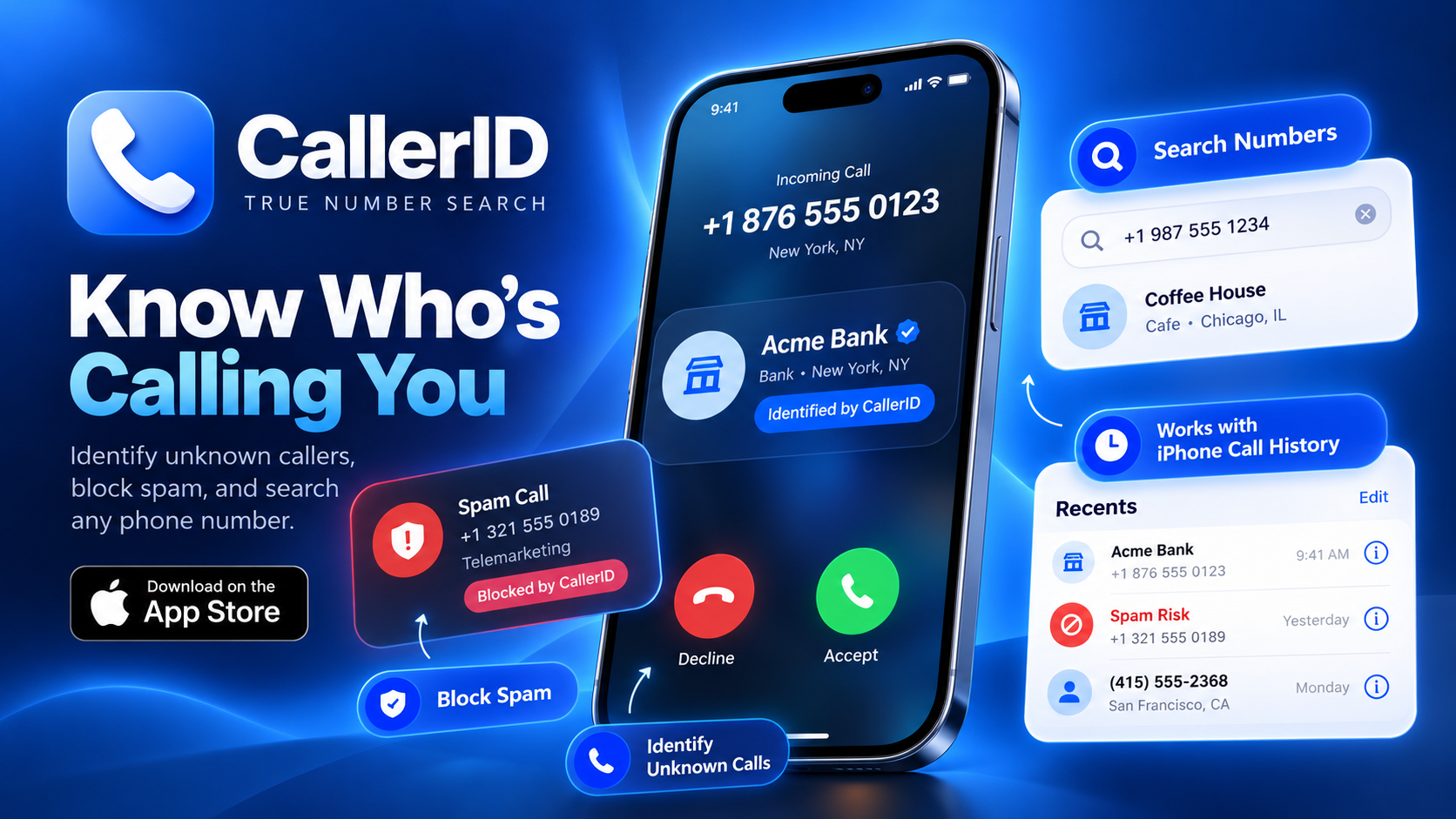
A caller ID app for iPhone can provide additional information about unfamiliar numbers and help identify potentially unwanted calls. CallerID: True Number Search combines reverse phone lookup, spam call blocking, scam alerts, and phone number search tools to make call management easier.
An Unknown Number Appears: What Should You Check First?
Before answering an unfamiliar call, consider whether you're expecting a delivery, appointment confirmation, or business response.
If the number seems suspicious, avoid immediately returning the call. Some unwanted callers use unfamiliar international numbers or misleading caller information to encourage callbacks.
You can review your recent calls and search the number using a reverse phone lookup app.
However, phone numbers can be spoofed, meaning the displayed number may not belong to the person actually calling.
How to Find Out Who Called You on iPhone
Wondering who called me from this unknown number? CallerID: True Number Search offers a phone number lookup feature designed to help users investigate unfamiliar callers.
Here's a practical approach:
-
Open your iPhone's recent call history and locate the unfamiliar number.
-
Open CallerID: True Number Search and access its reverse number search feature.
-
Enter the phone number, including the country code when appropriate.
-
Review any available caller information or spam indicators.
-
Decide whether to ignore, block, or verify the caller through another trusted source.
A lookup may suggest a caller's identity, but results depend on available information and should not be treated as guaranteed verification.
Can You Identify Spam Calls Before Answering?
Receiving repeated calls from unknown numbers can interrupt work, study, and personal time.
A spam call blocker for iPhone helps identify numbers associated with unwanted calling activity.
CallerID: True Number Search includes automatic spam blocking, fraud alerts, and customizable blacklists and whitelists.
Users can review suspicious numbers, manage blocked callers, and allow important contacts according to their preferences.
To use compatible caller identification features, check the relevant call-blocking settings on your iPhone and enable the app's available extension if required.
Recognizing Calls That Deserve Extra Caution
Not every unknown caller is dangerous, but certain behaviors should raise concerns.
Be cautious when someone pressures you to act immediately, requests verification codes, asks for banking credentials, or claims you must transfer money to avoid penalties.
Even when a caller identification app displays a recognizable name, verify unexpected requests independently.
For example, if someone claims to represent your bank, end the conversation and contact the bank using its official website or verified phone number.
Never rely solely on the displayed caller ID when making financial or security decisions.
Keep Unwanted Calls Under Control
Identifying a suspicious caller is useful, but preventing repeated interruptions is equally important.
CallerID: True Number Search also offers SMS spam protection, caller blocking, and personalized number management tools.
Review blocked-number settings occasionally to ensure legitimate contacts aren't being filtered accidentally.
The app is free to download, although some features may require a paid subscription.
Final Thoughts
When an unfamiliar number appears on your iPhone, you don't have to answer immediately.
With CallerID: True Number Search, users can investigate unknown phone numbers, perform reverse lookups, receive spam warnings, and manage unwanted calls.
Whether you're searching for who called me, an unknown number lookup, a free caller ID app for iPhone, or a spam call blocker, these tools can help you make more informed decisions about incoming calls.
Remember that caller identification is an additional precaution, not proof of someone's identity. Staying alert and independently verifying suspicious requests remain essential for phone security.